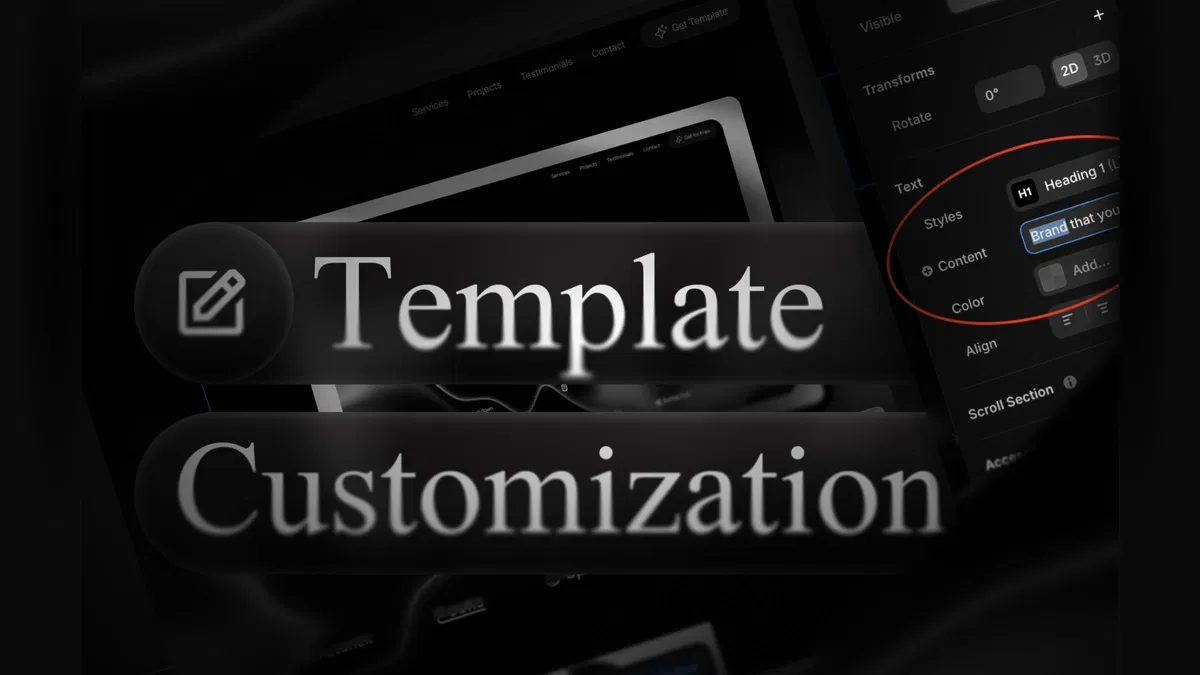
Clear, beginner-oriented instructions for finding and editing every common element in Framer templates
Safe editing techniques using overrides to customize instances without affecting master components
Coverage of text (plain/rich), images (swap/resize), colors (local/global), component overrides, and section/layout tweaks
Practical tips for preserving responsiveness and design integrity during edits
Part of structured series (#2) building foundational skills for template mastery
Text-based format with Framer-specific steps and editor references for immediate hands-on application
#What is This Course?
"How to Edit Template" is a free, text-based tutorial (likely 5–10 minutes reading time, structured as a concise step-by-step article) on the Framer Marketplace, created by Adam Sebesta. This framer resource targets complete beginners who open a template and feel unsure where to start customizing—providing a gentle, visual walkthrough of Framer's editing basics. The guide covers selecting elements (canvas click, layers panel), changing text/images/colors, overriding components safely, adjusting layouts/sections, and preserving responsiveness. Presented as a numbered, practical article with tips and examples, it uses Framer's canvas, properties panel, and layers for no-fear editing. No video runtime or duplicatable project is explicitly noted (series often pairs with template starters), but it's designed for direct use in any downloaded Marketplace template. It's invaluable for new Framer users turning "someone else's design" into "my perfect site"—building confidence and speed while keeping everything professional and maintainable.
#What You’ll Learn ⚡
Selecting any element on canvas or via layers panel to access its properties for editing
Changing text content (headings, paragraphs, rich text) inline or in properties without layout shifts
Swapping images, resizing, cropping, and adding alt text for better performance/accessibility
Customizing colors and styles (local overrides or global variables if template uses them)
Safely overriding component instances (buttons, cards, navs) while keeping master components intact
#Who Is This For?
This tutorial is a perfect starting point for anyone new to Framer templates—ideal if you've purchased or duplicated a template and aren't sure how to make it yours.
Skill Level: Complete beginner—assumes zero prior editing experience
Prior Knowledge Needed: Just opening a Framer template/project; no design or code background required
Use Case 1: Personalizing Marketplace templates for portfolios, landing pages, business sites, or blogs
Use Case 2: Updating pre-built sections with your branding, content, or images for client work
Pain Point Solved: "I don't know where to click to change this"—clear selection and editing locations
Pain Point Solved: Fear of breaking the template—learn safe overrides and non-destructive techniques
Bonus Fit: Anyone following Adam Sebesta's "How to Use Framer Templates" series after setup (#1) and before deeper customization
#Course Structure Breakdown
This text-based tutorial flows as a logical, beginner-safe guide—easy to follow while your template is open in Framer, with an intro on editing mindset and numbered steps for each content type.
Intro / Recap / Problem Statement: Welcomes template users, explains why editing feels intimidating at first, promises simple steps that work across most templates
Main Demo Sections: Core actions: selecting elements (click or layers), editing text (inline/properties), swapping images (replace source, resize)
Key Live Examples or Walkthroughs: Covers color/style changes (fill, typography), safe component overrides (instance vs. master), and section/layout tweaks (padding, stacking)
Tips / Best Practices: Highlights safe habits (duplicate pages first, use overrides), common pitfalls (editing master accidentally), shortcuts (double-click text, right-click options)
Wrap-up / Encouragement: Reinforces that these basics unlock full customization—encourages practicing on your template and progressing to next series lessons (components, CMS)
Frequently Asked Questions
What if I accidentally edit the wrong thing and break the layout?
Use Framer's version history (File → Version History) to revert; tutorial advises duplicating pages/components first as a safety net.
Do I need to understand components to edit a template?
Not yet—this covers basic overrides; later lessons (#4 Components Explained) dive deeper into masters/variants.
Will my edits stay responsive on mobile/tablet?
Yes—if you edit within constraints and avoid fixed pixel sizes; guide notes checking device previews after changes.
Featured Framer Resources
Add Featured Product



Have a product?
Submit your Framer product to AllFramer, get featured, and drive genuine traffic while showcasing your work to the world. Turn your creativity into revenue and begin selling today! 🚀
Submit Resource





