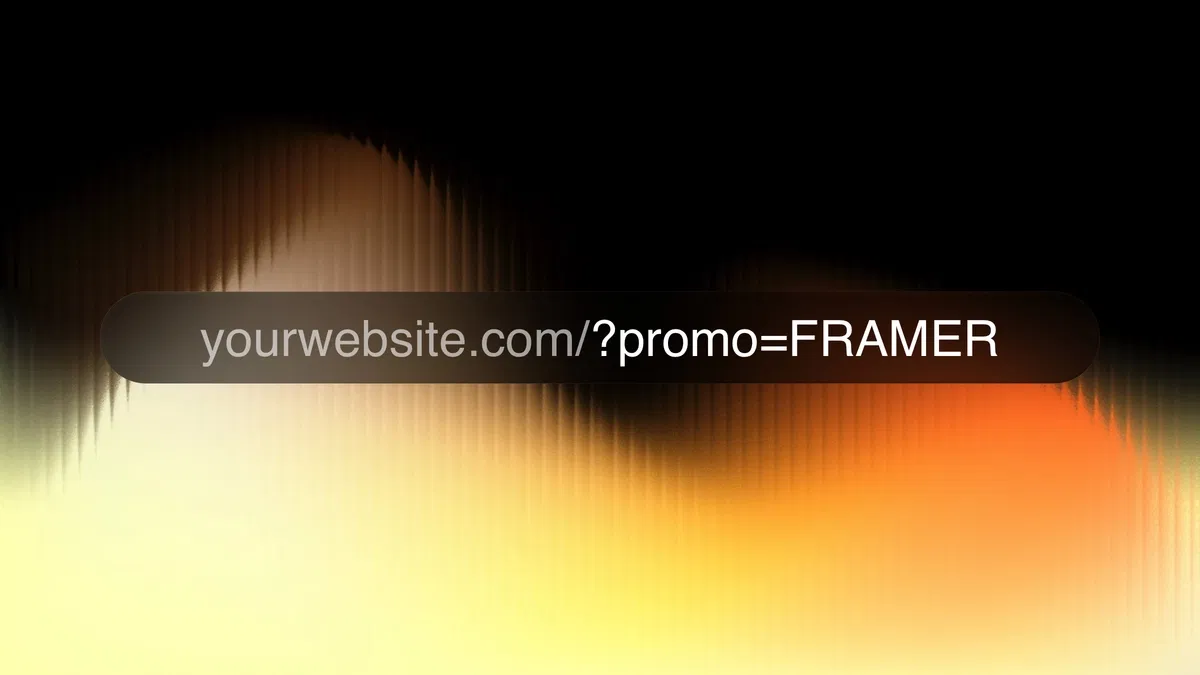
Creates a reusable button that dynamically builds URLs based on variables, user input, or context
Uses Framer's code overrides (via ⇧+⌘+K shortcut) - no heavy coding required
Ideal for personalized sign-up links, referral tracking, UTM parameters, demo requests, affiliate links, or dynamic redirects
Fully visual-first: style and animate the button in Framer canvas, add logic only where needed
Supports conditional visibility, loading states, hover/active interactions, and fallback behaviors
Component is reusable across pages, sites, or even shared in Framer projects
Combines no-code speed with targeted code power - perfect Framer hybrid approach
#What is This Framer Blog?
This is a free, hands-on tutorial titled "Dynamic URL Button" published on the Framer Marketplace by creator Vaibhav Khulbe. It's a concise, practical guide that teaches you how to build a smart, dynamic button component in Framer—one that automatically generates or adapts URLs based on user input, context, or variables (e.g., for sign-up links, referral tracking, UTM parameters, personalized demo requests, or dynamic redirects). The tutorial uses Framer's powerful code overrides and components to create reusable, production-ready buttons without heavy custom coding. It's part of Framer Resource growing library of quick skill-boosting lessons, emphasizing no-code/low-code techniques with just enough code for advanced control.
#What You’ll Learn ⚡
How to create a custom code override/component named 'DynamicSignupButton' using the ⇧+⌘+K shortcut in Framer.
Techniques to make a button dynamically construct URLs (e.g., appending query params, user data, or form values).
Best practices for linking buttons to variables, CMS fields, or external inputs in Framer.
Ways to handle conditional visibility, states (hover/active), and fallback behaviors for clean UX.
Reusing the component across pages or projects for consistent dynamic linking (e.g., sign-up, share, affiliate, or tracking links).
Framer-specific tips like setting variables in the link property, using code overrides for logic, and keeping everything visual-first.
#Who Is This For?
This tutorial is perfect for Framer designers, no-code builders, indie makers, SaaS founders, marketers, and developers who:
Build landing pages, sign-up flows, product demos, or marketing sites in Framer.
Want personalized or trackable buttons (e.g., UTM-tagged links, referral codes, dynamic CTAs) without external tools.
Are comfortable with Framer basics but want to level up with simple code overrides.
Need quick, reusable solutions for dynamic content without leaving Framer's canvas.
Prefer visual prototyping with targeted code sprinkles over full React/Next.js setups.
It's especially valuable for anyone tired of static links and wanting smarter, context-aware buttons that feel custom-built but take minutes to implement.
#Blog Brief Breakdown
The tutorial follows a clear, step-by-step structure optimized for quick learning:
Quick Start - Open a new Framer project and use ⇧+⌘+K to instantly create a code override/component named 'DynamicSignupButton'.
Core Setup - Build the button visually in Framer (styling, text, hover states) then add logic via code to make the link dynamic.
Dynamic URL Logic - Write or copy simple override code that constructs the URL (e.g., base URL + query params from variables, user props, or CMS data).
Variable Integration - Connect the button's link property to Framer variables or fields for real-time personalization.
Advanced Touches - Add conditional visibility (e.g., hide if no URL), loading states, or error handling for robustness.
Reuse & Test - Apply the component to multiple pages, test dynamic behavior, and see live results.
Wrap-up - Final tips on scaling the pattern, combining with CMS, or adapting for other use cases like share buttons or tracking links.
Frequently Asked Questions
What exactly does the Dynamic URL Button do?
It automatically constructs or modifies a URL (e.g., adds query params, referral codes, user IDs, or timestamps) based on Framer variables or props — no manual link editing needed.
Do I need to know code to follow this tutorial?
Basic Framer knowledge is enough — the tutorial provides the exact override code snippet you copy-paste, and most of the work is done visually.
Can I use this for tracking links (UTM parameters)?
Yes — very common use case. You can append utm_source, utm_medium, utm_campaign, etc., dynamically from variables or page context.
Dynamic URL Button
Build smart, context-aware buttons in Framer dynamically create URLs
Resource Types :

Have a product?
Submit your Framer product to AllFramer, get featured, and drive genuine traffic while showcasing your work to the world. Turn your creativity into revenue and begin selling today! 🚀
Submit Resource





