Focused, no-code checklist of critical ADA/WCAG compliance steps using Framer's built-in tools
Practical demos for adding alt text, accessibility labels, mastering tab order, and ensuring keyboard navigation
Emphasis on common pitfalls (e.g., missing labels on icons/buttons, poor contrast) and quick fixes
Real-page application examples showing before/after compliance improvements
Text-based guide format with clear, numbered steps for easy reference and implementation
#What is This Course?
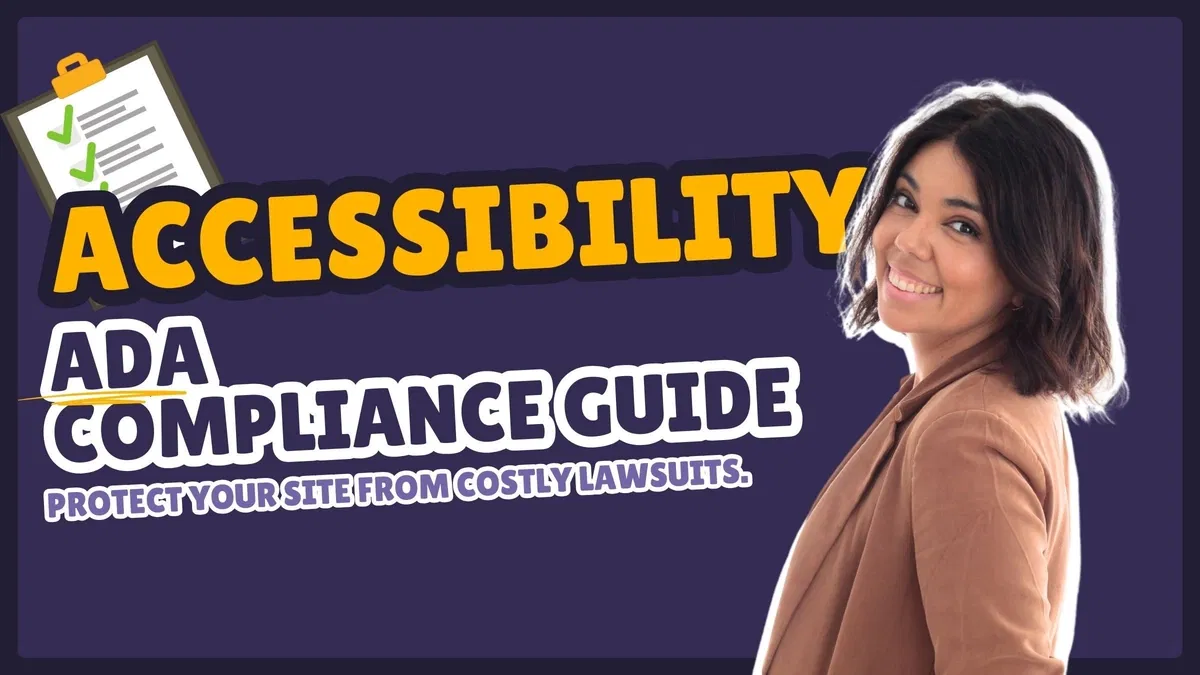
"ADA Compliance Guide" is a free, text-based tutorial (10m reading time) on the Framer Marketplace, created by Patricia Ordoñez. This framer resource focuses on the legal necessity of web accessibility—thousands of businesses face ADA lawsuits yearly for non-compliant sites—and provides a beginner-friendly, Framer-native checklist to make your projects inclusive, usable, and legally secure. Structured as a practical article with step-by-step instructions, examples, and pro tips, it leverages Framer's Styles panel for semantic tags and Accessibility section for labels/tab order without requiring code, plugins, or external tools. It's highly valuable for designer-developers who publish live sites and want to cover foundational accessibility basics quickly, confidently, and effectively to avoid compliance risks while enhancing UX for everyone.
#What You’ll Learn ⚡
Applying semantic HTML tags (e.g.,
, ,
) in Framer's Styles panel to give screen readers proper page structure
Adding custom ARIA labels (e.g., "Open Navigation Menu") to icons, buttons, and interactive elements via the Accessibility panel
Mastering tab order for keyboard navigation—testing with Tab key, hiding decorative items (Tab Index -1), and prioritizing important links
Ensuring color contrast meets WCAG minimums (4.5:1 for normal text) and avoiding color-only indicators for meaning
Identifying and fixing common accessibility oversights in Framer projects for immediate inclusivity and legal safety gains
#Who Is This For?
This guide is essential for Framer users moving from design to published, public-facing sites—especially if accessibility has been overlooked or you're facing client/legal demands for ADA compliance.
Skill Level: Beginner—accessible even if you're new to accessibility concepts
Prior Knowledge Needed: Basic Framer navigation (properties panel, adding elements); no prior WCAG/ADA knowledge required
Use Case 1: Launching business, portfolio, agency, or e-commerce sites that must avoid accessibility-related lawsuits
Use Case 2: Delivering client projects where compliance is a requirement or value-add
Pain Point Solved: Sites failing basic checks (missing labels, bad tab flow)—apply quick native fixes
Pain Point Solved: Overwhelm from broad accessibility guidelines—follow a short, Framer-tailored checklist
Bonus Fit: Freelancers or agencies wanting to confidently offer "accessibility-ready" sites to stand out
#Course Structure Breakdown
This 10m text guide flows as a concise, numbered checklist article—perfect for reading while working in Framer, with clear actions, examples, and warnings for each step.
Intro / Recap / Problem Statement: Explains why accessibility is now a legal must (ADA lawsuits rising), introduces WCAG basics, and positions Framer's native tools as an easy no-code solution
Main Demo Sections: Step 1 covers semantic HTML tags—why
-only is bad and how to tag Header/Footer/Main in Styles panel for better structure
Key Live Examples or Walkthroughs: Step 2 focuses on custom ARIA labels for icons/buttons (e.g., burger menu example); Step 3 demos mastering tab order via testing and Tab Index settings
Tips / Best Practices: Step 4 addresses color contrast (use checkers, 4.5:1 minimum) and avoiding color-only meaning (e.g., required fields need text too); includes pro tips throughout
Wrap-up / Encouragement: Closes by framing accessibility as a journey, not a checkbox—starting with these basics puts you ahead of most sites, and inclusive design is simply better design
Frequently Asked Questions
What ADA/WCAG level does this guide target?
It covers foundational WCAG 2.1 Level AA essentials—semantic structure, labels, keyboard navigation, contrast—that address the most common lawsuit triggers for Framer sites.
Do I need any external accessibility tools?
No—the guide uses only Framer's built-in Styles and Accessibility panels; it mentions contrast checkers as optional helpers but focuses on native fixes.
How do I test tab order effectively?
Preview your site, press Tab repeatedly—ensure focus moves logically (top to bottom, left to right); use Tab Index -1 to skip decorative elements, as shown in the tutorial.
ADA Compliance Guide
Protect your sites from costly lawsuits and ensure inclusive access
Resource Types :
Featured Framer Resources
Add Featured Product



Have a product?
Submit your Framer product to AllFramer, get featured, and drive genuine traffic while showcasing your work to the world. Turn your creativity into revenue and begin selling today! 🚀
Submit Resource





