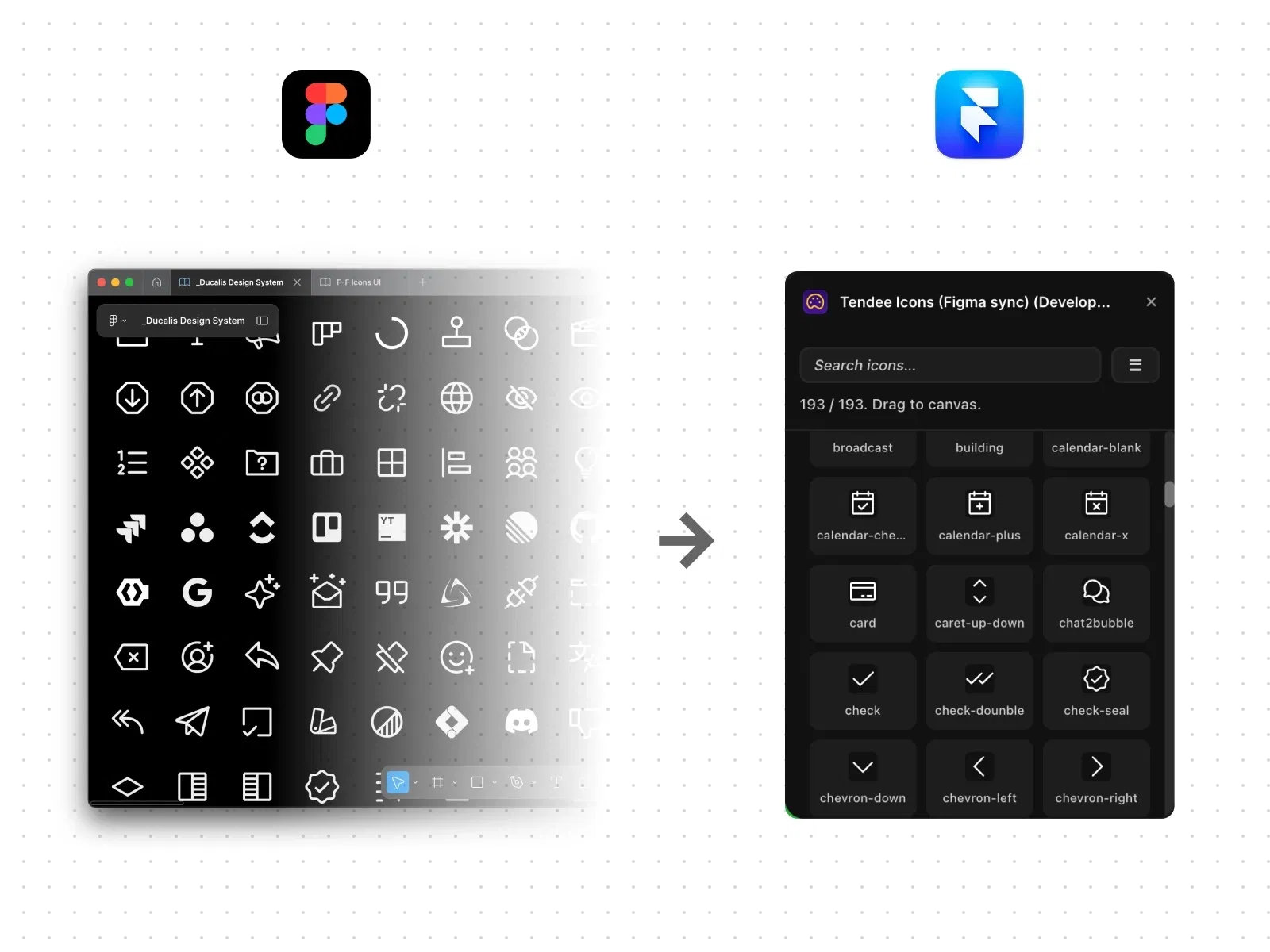
Sync icon libraries from Figma directly to Framer
Maintain consistent cross-platform design systems
Reduce manual exports and re-imports
Ideal for teams working in both Figma and Framer
Built for scalable workflows
#What is Tendee Icons – Figma Sync?
Tendee Icons – Figma Sync is a productivity-focused Framer plugin that connects your Figma icon library directly with your Framer projects. Instead of exporting SVGs manually and re-uploading them into Framer, this plugin streamlines the process by keeping your icon system aligned across both platforms. It’s particularly useful for design teams who prototype in Figma and publish production-ready sites in Framer, ensuring brand consistency and reducing repetitive tasks.
The plugin bridges workflows between Figma and Framer, helping teams move faster without breaking their design system.
#Features ⚡
Figma Library Sync: Connect and import icons directly from your Figma file.
Automatic Updates: Keep icons consistent when changes are made in Figma.
Centralized Icon Management: Maintain a single source of truth.
Clean SVG Imports: Optimized vector handling inside Framer.
Time-Saving Workflow: Eliminate repetitive export-import cycles.
Team-Friendly: Perfect for collaborative design systems.
#Included Components/Templates
This is a workflow plugin, not a UI section library. It includes:
Figma connection panel
Icon sync interface
SVG optimization pipeline
Design system consistency management
It enhances your workflow rather than adding layout blocks.
#Pricing 💸
Paid plugin via Framer Marketplace
One-time purchase model (based on listing)
No recurring subscription required
For exact pricing details and potential discounts, refer to the official marketplace page.
#Integrations 🧰
Native Framer editor integration
Direct Figma file connection
Works with Framer components and CMS
Compatible with scalable design systems
Supports responsive layouts automatically
Frequently Asked Questions
Do I need both Figma and Framer accounts?
Yes, since the plugin connects your Figma file to your Framer project.
Will icons update automatically when changed in Figma?
Yes, the sync helps maintain consistency when updates are made.
Is this useful for solo designers?
Absolutely. Even solo creators benefit from a centralized icon system.
Tendee Icons - Figma Sync
Seamless Figma-to-Framer icon synchronization
Resource Types :

Have a product?
Submit your Framer product to AllFramer, get featured, and drive genuine traffic while showcasing your work to the world. Turn your creativity into revenue and begin selling today! 🚀
Submit Resource





