Create interactive shader effects inside Framer
Add dynamic backgrounds and visual animations
Ideal for modern, experimental websites
Customizable parameters and effects
Built for designers who want high-impact visuals
#What is Shader Lab?
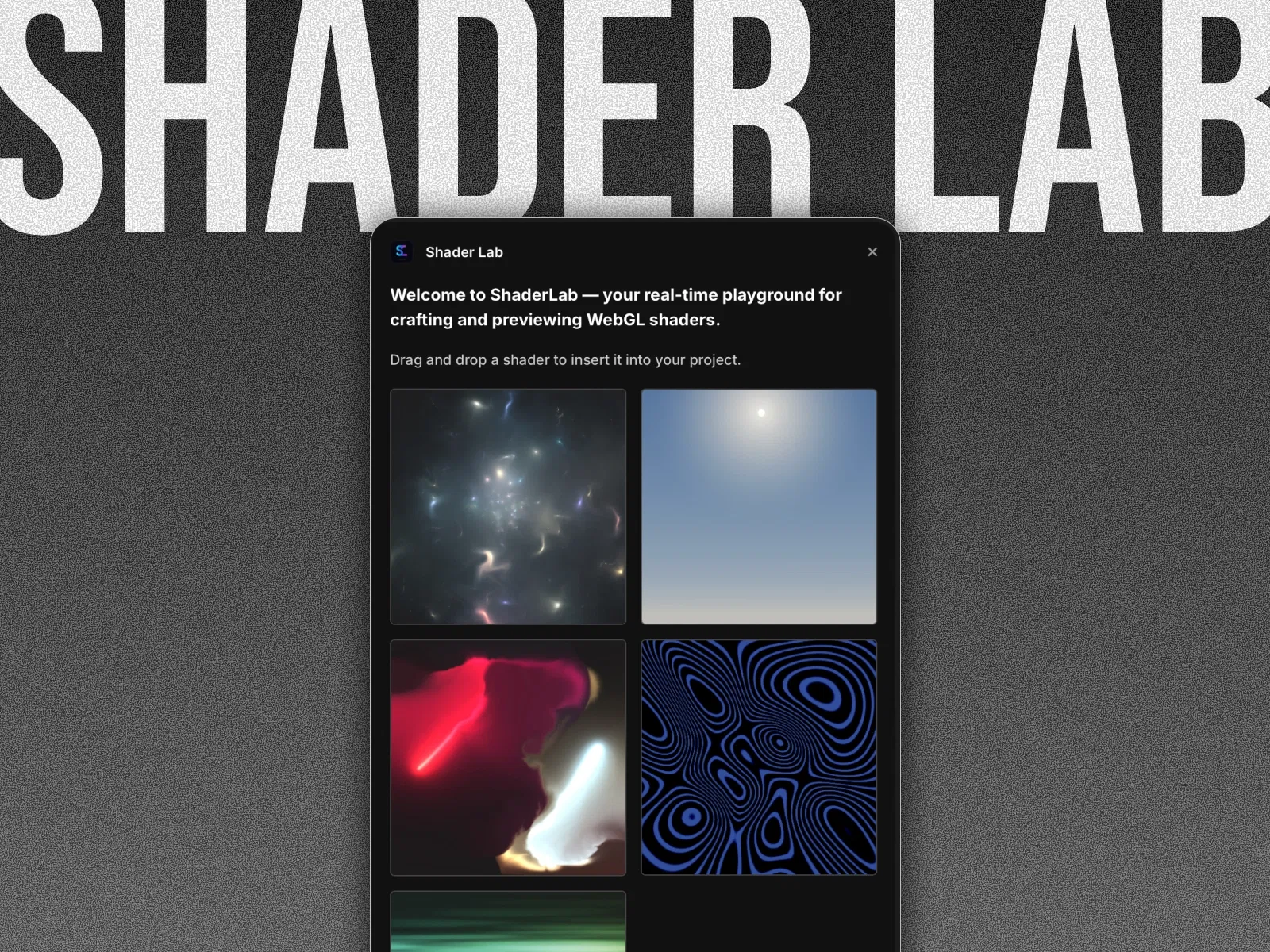
Shader Lab is a Framer plugin that enables you to create and apply real-time shader-based visual effects directly within your website. Instead of static gradients or simple animations, it allows you to introduce dynamic backgrounds, fluid distortions, interactive lighting effects, and other visually rich experiences.
Perfect for creative portfolios, tech startups, AI landing pages, Web3 projects, experimental sites, and high-end product showcases, Shader Lab helps you add cinematic depth and motion without building custom WebGL setups from scratch.
#Features ⚡
Real-Time Shader Effects: Dynamic visuals powered by shader rendering.
Interactive Backgrounds: Add motion-reactive or animated environments.
Customizable Parameters: Adjust intensity, color, distortion, speed, and behavior.
Modern Visual Aesthetic: Ideal for futuristic and tech-driven branding.
Lightweight Integration: Designed to work inside Framer’s visual workflow.
Responsive Compatibility: Adapts across desktop and mobile breakpoints.
Creative Flexibility: Enables unique, standout design experiences.
#Included Components/Templates
The plugin typically includes:
Shader background layer
Adjustable visual effect controls
Parameter customization panel
Animation configuration settings
Responsive behavior adjustments
Everything is structured for insertion and customization directly inside your Framer project.
#Pricing 💸
Available for FREE via Framer Marketplace
Pricing depends on the creator’s plan
May include one-time or subscription-based options
Refer to official listing for current pricing details
#Integrations 🧰
Framer layout and stack system
Hero sections and background layers
Landing pages and creative portfolios
Works alongside motion and interaction components
Compatible with modern SaaS and Web3 templates
Frequently Asked Questions
What are shaders in web design?
Shaders are real-time visual effects often used for dynamic lighting, distortion, and animated backgrounds.
Do I need coding knowledge to use Shader Lab?
No, it’s designed to be configured visually inside Framer.
Will shader effects slow down my site?
When used properly, it’s optimized for smooth performance, but heavy effects should be used thoughtfully.
Shader Lab
Add dynamic shader-based visuals to Framer
Resource Types :

Have a product?
Submit your Framer product to AllFramer, get featured, and drive genuine traffic while showcasing your work to the world. Turn your creativity into revenue and begin selling today! 🚀
Submit Resource





