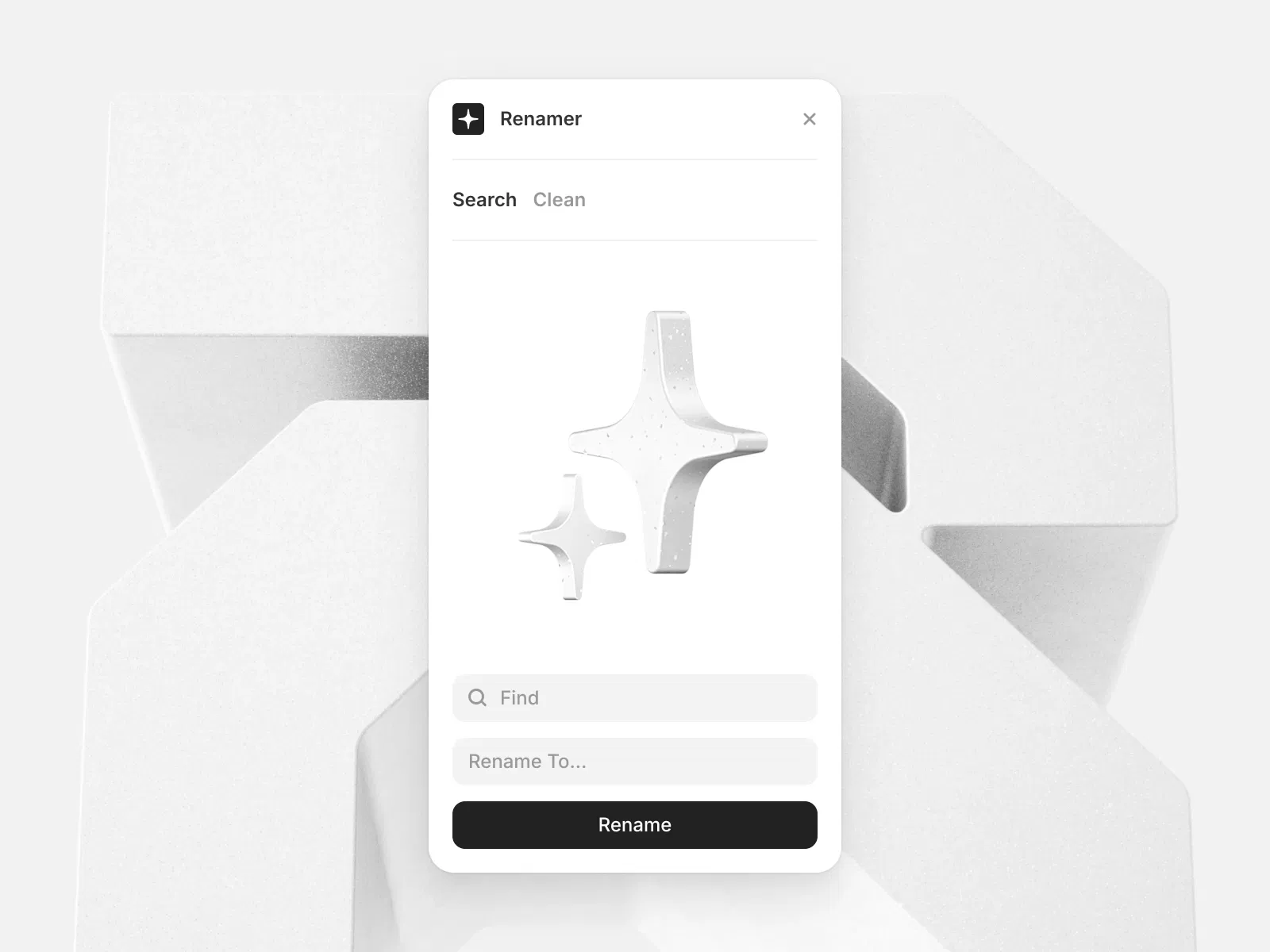
Rename multiple layers in bulk
Speeds up design workflow
Improves layer organization
Simple and intuitive interface
Useful for large Framer projects
#What is Renamer?
Renamer is a productivity Framer plugin that allows designers to rename multiple layers at once instead of changing them individually. In complex projects with many layers, keeping names organized becomes important for maintaining a clean and manageable structure. Renamer solves this problem by providing batch renaming functionality.
With this plugin, designers can apply consistent naming patterns across selected layers, making it easier to navigate and maintain large design files. It is especially helpful for teams, design systems, and structured layouts where clear layer naming improves collaboration and workflow efficiency.
#Features ⚡
Batch Rename Layers: Rename multiple selected layers instantly.
Faster Workflow: Saves time compared to manual renaming.
Improved Project Organization: Keeps files structured and easy to navigate.
Simple Interface: Easy-to-use plugin panel inside Framer.
Flexible Naming: Apply consistent naming patterns quickly.
Ideal for Large Projects: Useful when working with many elements.
Lightweight Plugin: Designed for smooth usage within Framer.
#Included Components/Templates
The plugin typically includes:
Layer batch renaming tool
Rename the input field for selected layers
Naming pattern controls
Quick action panel within Framer
These tools help streamline layer management inside design projects.
#Pricing 💸
Available through the Framer Marketplace for free
#Integrations 🧰
Framer design editor
Layer and component management
Design system workflows
Large page layouts and complex UI projects
Team collaboration environments
Frequently Asked Questions
What does the Renamer plugin do?
It allows you to rename multiple layers at once inside Framer.
Why is batch renaming useful?
It helps keep large design files organized and easier to manage.
Can I rename many layers at the same time?
Yes, you can rename all selected layers in one action.




Have a product?
Submit your Framer product to AllFramer, get featured, and drive genuine traffic while showcasing your work to the world. Turn your creativity into revenue and begin selling today! 🚀
Submit Resource





