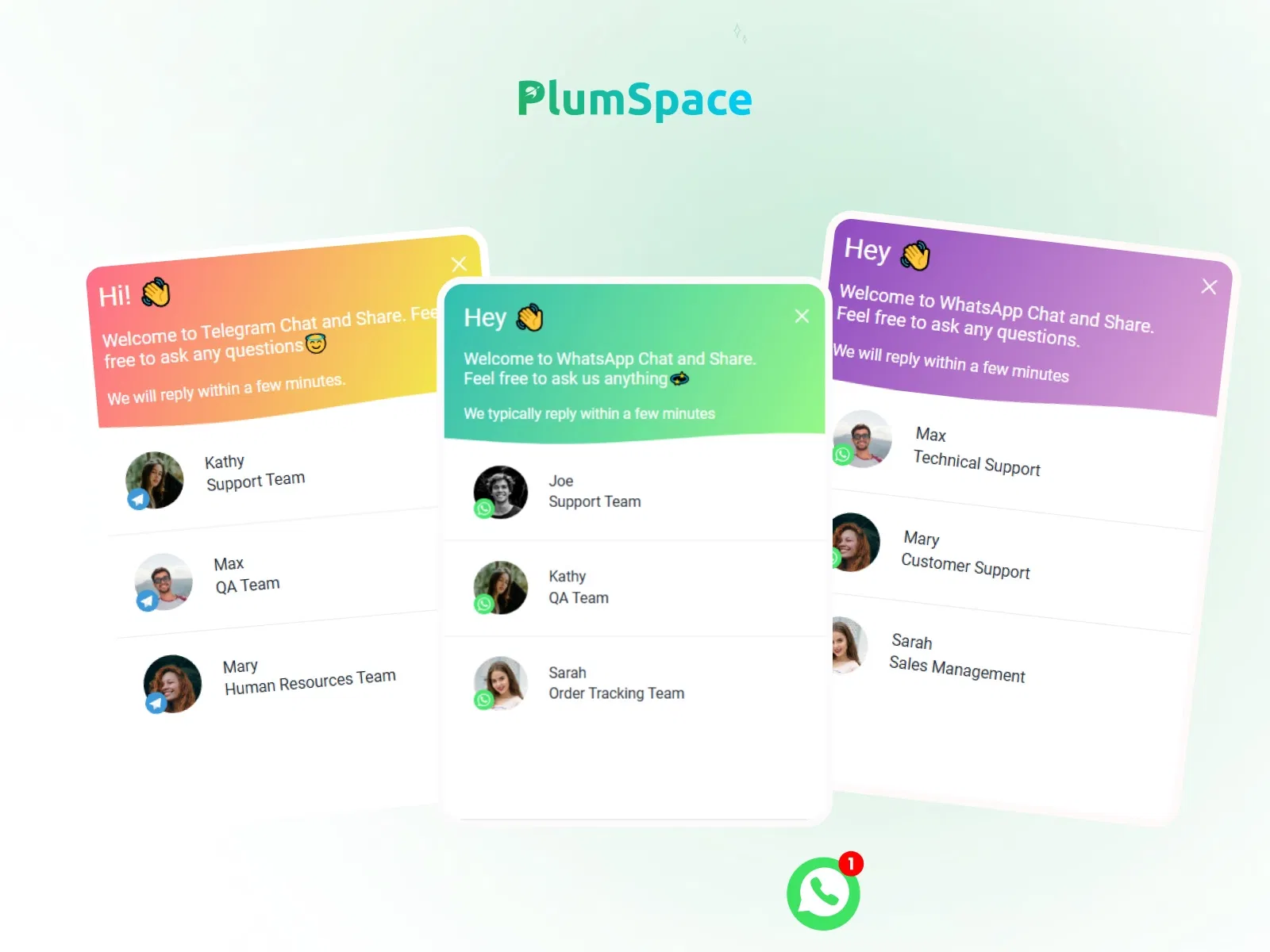
Add WhatsApp chat to any Framer website
Floating support button with custom positioning
Boost conversions with instant messaging
Mobile-friendly click-to-chat experience
Simple setup inside Framer
#What is Plumspace WhatsApp Chat?
Plumspace WhatsApp Chat is a Framer plugin that allows you to add a floating WhatsApp chat button to your website, enabling visitors to contact you instantly. Instead of relying solely on forms or email, this plugin provides a direct communication channel through WhatsApp - increasing responsiveness and improving lead conversion.
It’s ideal for service businesses, SaaS companies, agencies, freelancers, and e-commerce sites that want real-time engagement. Built to integrate seamlessly within Framer, it lets you deploy chat support without custom coding or complex integrations.
#Features ⚡
Floating Chat Button: Always-visible WhatsApp icon for quick access.
Click-to-Chat Integration: Direct users to WhatsApp conversation instantly.
Customizable Positioning: Adjust button placement on the screen.
Pre-Filled Messages: Set default messages for faster user interaction.
Responsive Behavior: Optimized for mobile and desktop devices.
Brand Customization: Modify styling to match your site design.
Conversion-Oriented: Reduce friction in customer communication.
#Included Components/Templates
The plugin typically includes:
Floating WhatsApp button
Chat initiation configuration
Pre-filled message setup
Positioning controls
Styling customization options
Responsive layout adjustments
Everything is structured for quick implementation inside your Framer project.
#Pricing 💸
Available via Framer Marketplace
Pricing depends on the creator’s listing
May include free or premium plans
Check official listing for updated pricing details
#Integrations 🧰
Framer landing pages
Service and agency websites
SaaS product pages
E-commerce product pages
Works alongside forms and lead capture tools
Frequently Asked Questions
How does the WhatsApp chat button work?
It redirects users to a WhatsApp conversation with your configured number.
Can I add a pre-filled message?
Yes, you can set a default message to streamline user inquiries.
Is it mobile-friendly?
Yes, it works seamlessly on both desktop and mobile devices.
PlumSpace WhatsApp Chat
Floating WhatsApp chat button for Framer sites
Resource Types :

Have a product?
Submit your Framer product to AllFramer, get featured, and drive genuine traffic while showcasing your work to the world. Turn your creativity into revenue and begin selling today! 🚀
Submit Resource





