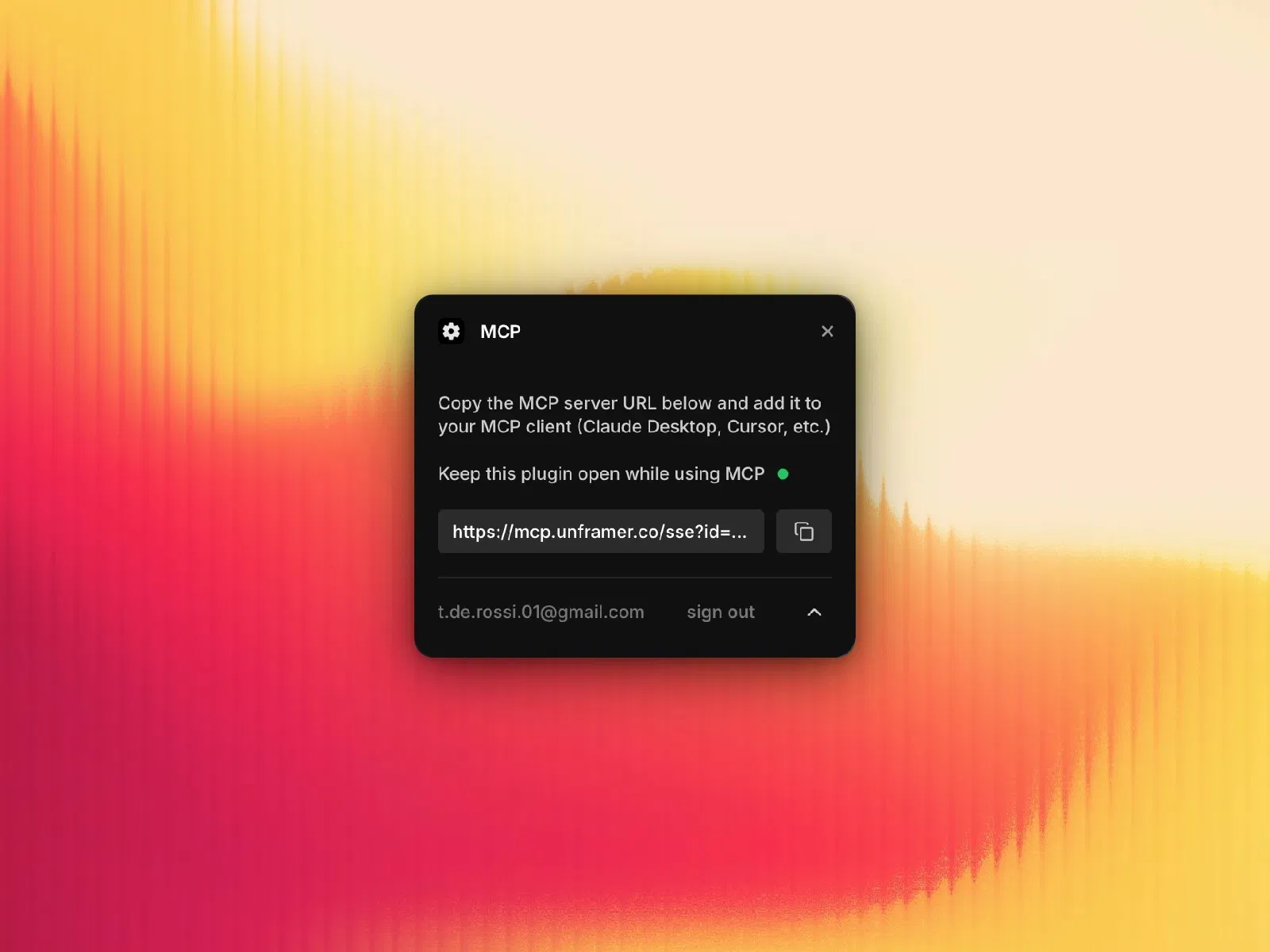
Free Framer plugin
Connects with AI tools like Claude, Cursor, Codex
Enables automation, content generation, and design updates
Supports React export and code component creation
Works via secure WebSocket + MCP protocol
#What is MCP Plugin?
MCP Plugin is a powerful Framer plugin that connects your Framer projects with AI assistants using the Model Context Protocol (MCP). It allows tools like Claude, Cursor, and Codex to directly interact with your design canvas. Instead of manually editing layouts, content, or styles, you can simply instruct an AI assistant to make changes—like updating copy, generating components, or applying design systems—and it executes them inside Framer in real time.
#Features ⚡
AI Integration: Connect Framer with Claude, Cursor, Codex, and other MCP-compatible tools
Real-Time Editing: Modify layouts, text, styles, and components using AI commands
React Export: Convert Framer components into production-ready React code
Design Automation: Update colors, typography, and layouts across the entire project
Code Component Creation: Generate and insert React/TypeScript components
Project Structure Access: View and manipulate pages and elements using XML
Node Control: Select, duplicate, delete, or update elements via AI
Secure Connection: Uses WebSocket tunnel with Cloudflare for safe communication
#Included Components/Capabilities
MCP server connection setup
WebSocket-based communication system
AI command execution layer
XML-based project structure access
Code file management system
Component insertion and editing tools
#Pricing 💸
Free plugin
No cost for basic usage
Some advanced features (like React export) may depend on external tools/subscriptions
#Integrations 🧰
Framer visual editor
Claude (Desktop & CLI)
Cursor IDE
Codex and MCP-compatible AI tools
Cloudflare Workers (for secure connection)
React / TypeScript workflows
Frequently Asked Questions
What is the MCP Plugin used for?
It connects Framer with AI tools to automate design, content, and development tasks.
Which AI tools does it support?
Claude, Cursor, Codex, and any MCP-compatible assistants.
Can AI edit my Framer design directly?
Yes, AI can modify text, styles, layouts, and components in real time.
MCP Plugin
Connect Framer with AI assistants
Resource Types :
Featured Framer Resources
Add Featured Product



Have a product?
Submit your Framer product to AllFramer, get featured, and drive genuine traffic while showcasing your work to the world. Turn your creativity into revenue and begin selling today! 🚀
Submit Resource





