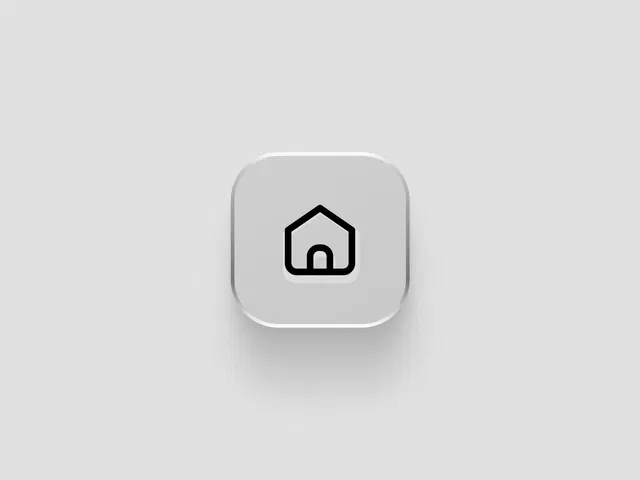
Modern glassmorphism design style
Smooth hover and interaction animations
Fully customizable blur and transparency
Responsive and lightweight
Built natively for Framer
#What is Glassy Button?
Glassy Button is a stylish Framer component designed using the popular glassmorphism aesthetic — featuring translucent backgrounds, subtle blur effects, and soft highlights. It helps you create premium-looking CTAs, action buttons, and interactive elements that feel modern and visually rich.
Ideal for SaaS landing pages, portfolios, hero sections, and futuristic UI layouts, this component integrates seamlessly with Framer’s layout system and motion controls. It allows designers and developers to implement high-end UI polish without manually configuring complex blur and layering effects.
#Features ⚡
Glassmorphism Effect: Frosted background with adjustable blur intensity.
Smooth Hover Animations: Subtle transitions for a premium interaction feel.
Customizable Transparency: Control opacity, background tint, and shadow depth.
Flexible Content Support: Add text, icons, or combined CTA layouts.
Responsive by Default: Works across desktop, tablet, and mobile breakpoints.
Style Controls: Adjust border radius, padding, glow, and shadow settings.
Lightweight Structure: Optimized for smooth performance.
#Included Components
The package typically includes:
Glass-style button component
Hover and active state animations
Blur and transparency controls
Border and shadow configuration
Responsive layout settings
Everything is structured for direct drag-and-drop usage inside your Framer canvas.
#Pricing 💸
Absolutely free
Lifetime usage license
Free updates from the creator (as per marketplace policy)
Check the official marketplace listing for current pricing details.
#Integrations 🧰
Framer layout and stack system
Framer motion and interaction controls
Compatible with landing pages, SaaS templates, and portfolio sections
Works alongside other UI components
Frequently Asked Questions
Can I adjust the blur intensity of the glass effect?
Yes. The blur and transparency levels are customizable.
Does it work well on dark backgrounds?
Yes. It pairs especially well with gradients and dark themes.
Can I add icons inside the button?
Yes. You can combine text and icons within the button layout.

Have a product?
Submit your Framer product to AllFramer, get featured, and drive genuine traffic while showcasing your work to the world. Turn your creativity into revenue and begin selling today! 🚀
Submit Resource