Improves UX on long-scrolling pages
Smooth animated scroll behavior
Fully customizable style & position
Works across all Framer layouts
Lightweight and performance-friendly
#What is Back to Top Button?
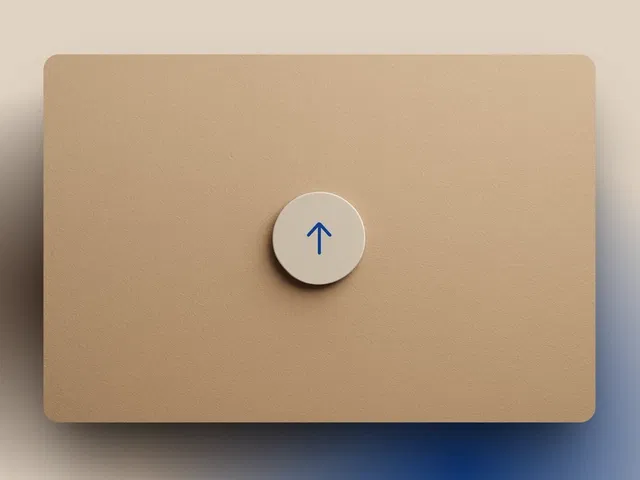
Back to Top Button is a simple yet powerful Framer component designed to enhance user experience on long-form websites. Whether you're building SaaS landing pages, blogs, documentation hubs, or portfolio sites, this component automatically appears after scrolling and allows users to smoothly return to the top with a single click. It integrates directly into your Framer project, requires no external code, and can be styled to match your brand identity perfectly.
#Features ⚡
Automatic Visibility Trigger: Appears only after the user scrolls down a defined distance.
Smooth Scroll Animation: Provides polished, frictionless scrolling back to the top.
Customizable Design: Modify icon, size, color, shape, shadow, and hover states.
Flexible Positioning: Place it bottom-right, bottom-left, or anywhere on the canvas.
Mobile Responsive: Optimized behavior for desktop and mobile devices.
Lightweight Performance: No heavy scripts or third-party dependencies.
#Included Components
The component package typically includes:
Main Back to Top Button component
Scroll trigger logic built-in
Customizable style properties panel
Icon-ready button layout
Demo layout for quick implementation
#Pricing 💸
No subscription required
Lifetime usage in your Framer projects
Free updates as provided by the creator
#Integrations 🧰
Built natively for Framer
Works with Framer CMS pages
Compatible with landing pages, blogs, and SaaS templates
Easily integrates into existing Framer layouts
Frequently Asked Questions
Does the button appear automatically after scrolling?
Yes. It becomes visible after the user scrolls past a predefined threshold.
Can I change the icon or text?
Yes. You can customize the icon, style, and visual properties inside Framer.
Is the scroll animation smooth?
Yes. It uses a smooth animated scroll for a polished experience.
Back To Top Button
Add a sleek scroll-to-top button instantly.
Resource Types :

Have a product?
Submit your Framer product to AllFramer, get featured, and drive genuine traffic while showcasing your work to the world. Turn your creativity into revenue and begin selling today! 🚀
Submit Resource





